AI Management
The AI Management menu is used to add and manage AI models utilized in the List Generator process.
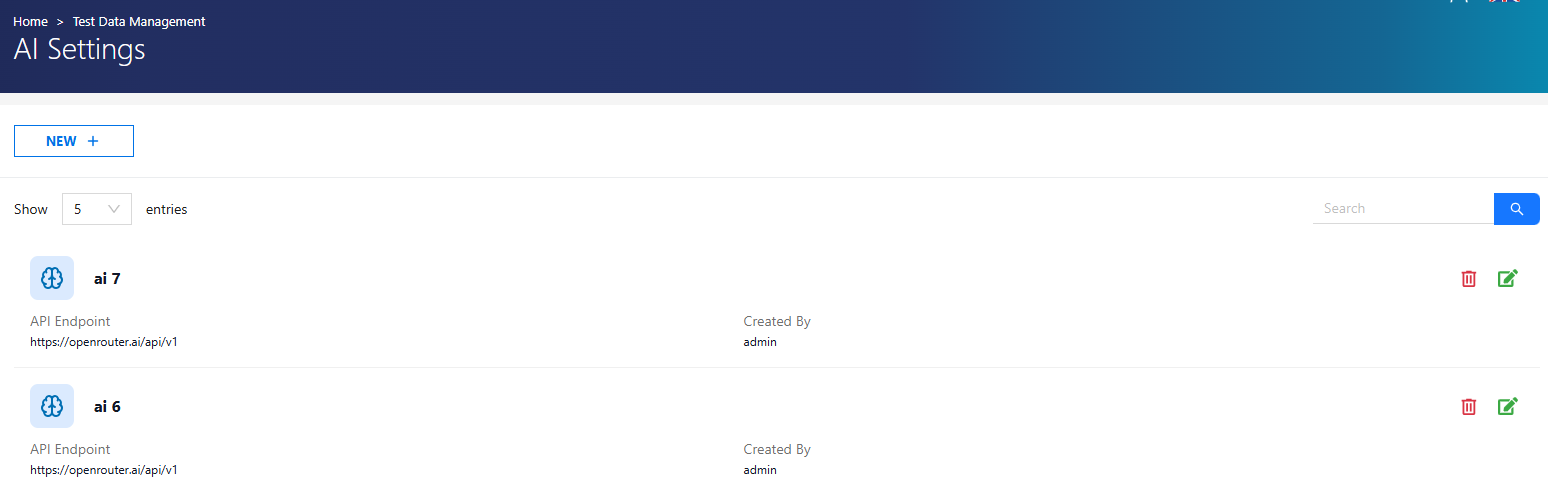
Add a New AI Model
To add a new AI model:
- Click + New.
-
Enter the following details:
- Name
- AI API URL
- API Key
- Model Name
- Description
-
Click Test Connection to verify the configuration.
- Click Save to complete the process.
AI Management Authorization
| Role | Permissions |
|---|---|
| Admin | All operations |
| Test Manager | All operations |
| Tester | No access |