List Generator
The List Generator feature allows users to create and manage custom data lists instead of relying only on default generator types.
Note
If a generator is currently in use, it cannot be deleted.
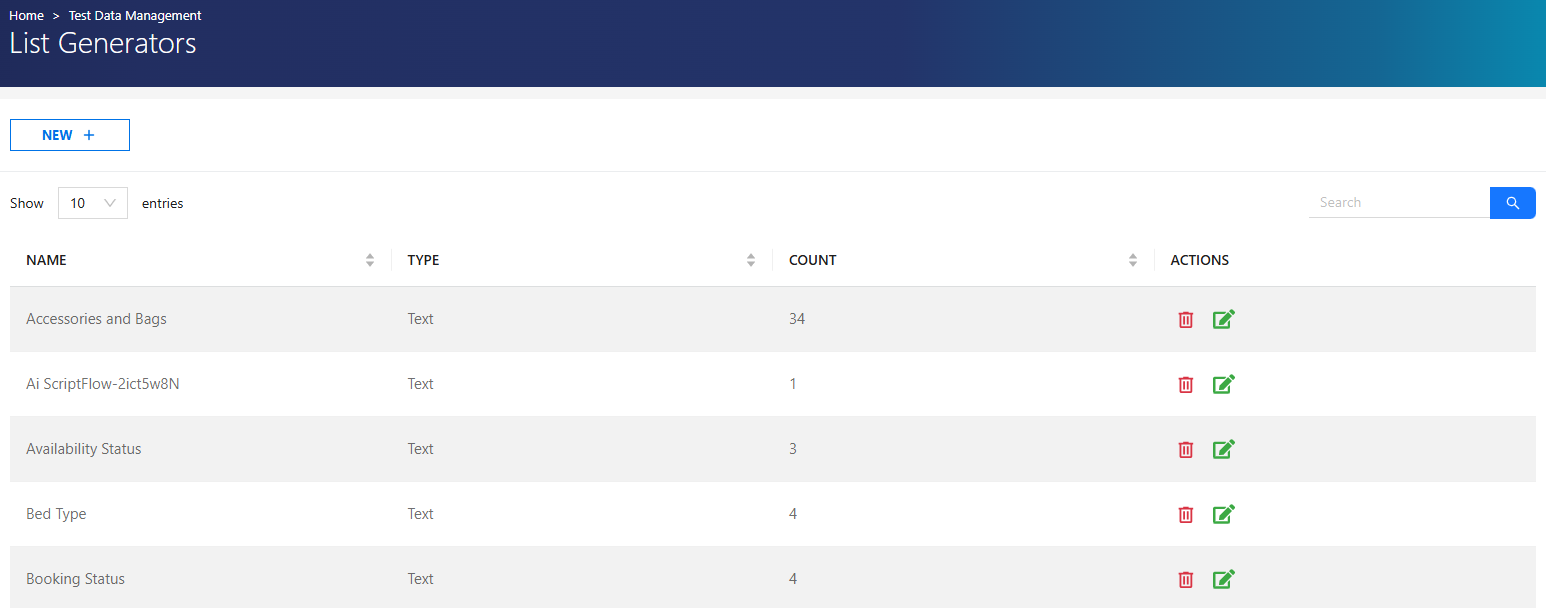
Creating a List Generator
List Generators can be created using four different methods:
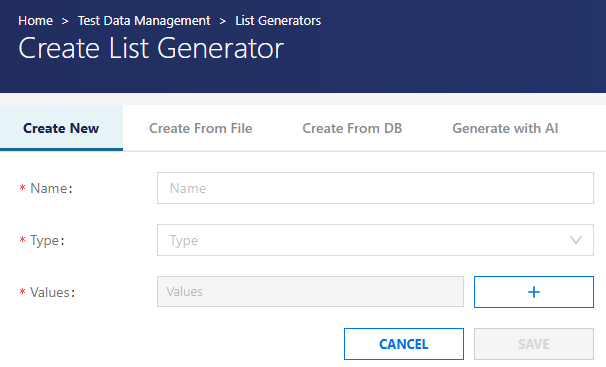
Create New
- Manually create a list.
- Supported data types: Integer, Decimal, and Text
- Add values using the + button.
- The generated data is limited to the defined list.
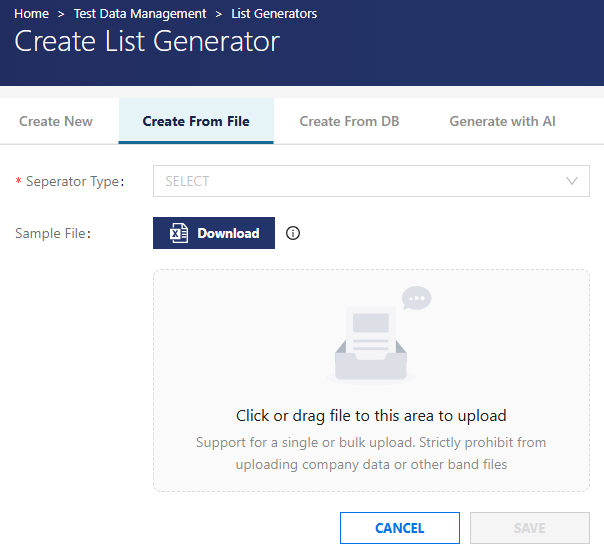
Create from File
- Import data from a CSV file.
- Supported separator types: Comma, Tab, Semicolon, Space, Pipe, and Colon
Steps:
- Download the sample CSV file.
- Add data to the file.
- Upload via the file upload area.
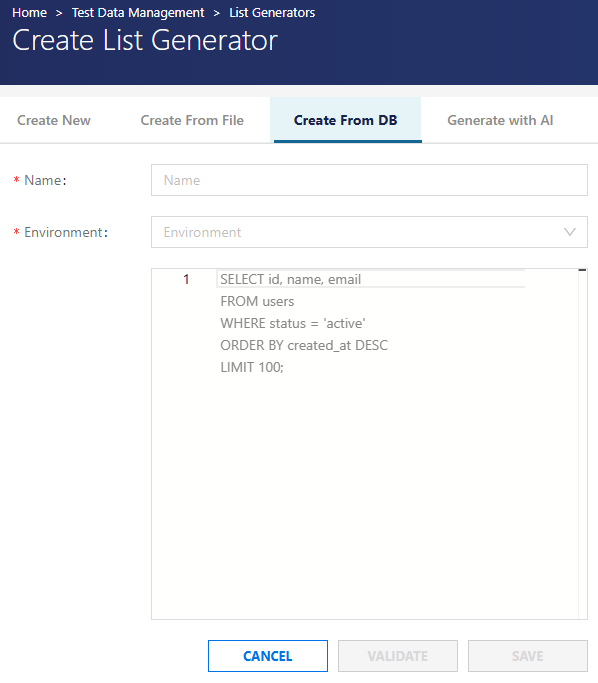
Create from DB
Generate lists using:
- Selected Environment
- Custom SQL query
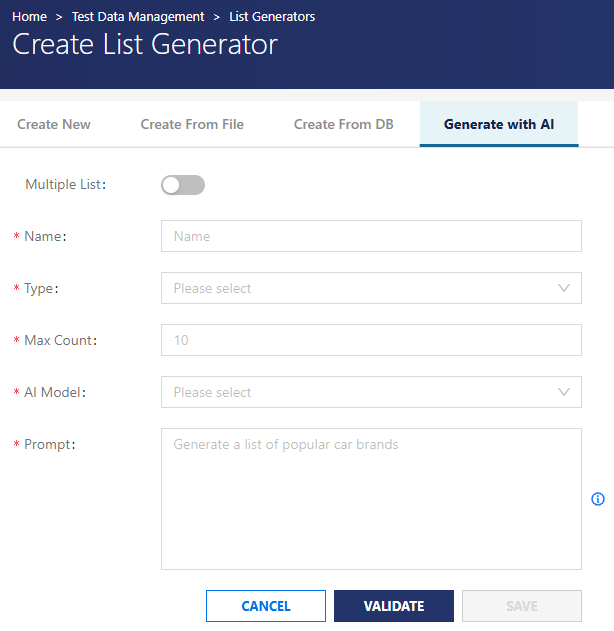
Generate with AI
Generate dynamic lists using AI. Required inputs: Name, Type, Maximum count, AI model, and Prompt
Multiple List option allows generating multiple lists in one operation.
Managing List Generators
-Existing generators can be:
- Edited (update configuration and values)
- Deleted (if not in use)
Users can modify list values or recreate the generator if needed.
Usage
Created List Generators can be used by selecting ListGenerator as the type in:
- Synthetic Flows
- Script Flows
- Discovery Integration Rules
List Generator Authorization
| Role | Permissions |
|---|---|
| Admin | All operations |
| Test Manager | All operations |
| Tester | No access |